Everything Near does
Less to remember.
More taken care of.
Capture what you need, connect it to a place, and share it with your household. Near brings up your reminders when you arrive.
When it occurs to you
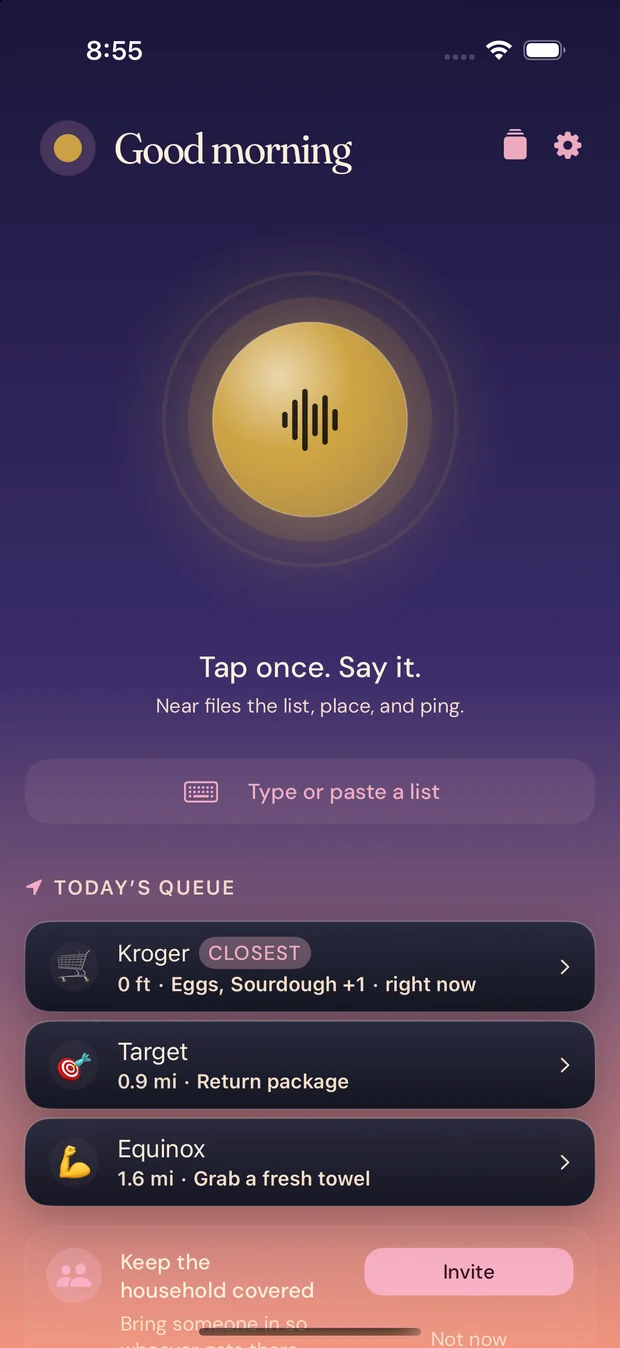
Catch the thought before it goes.
- Say it
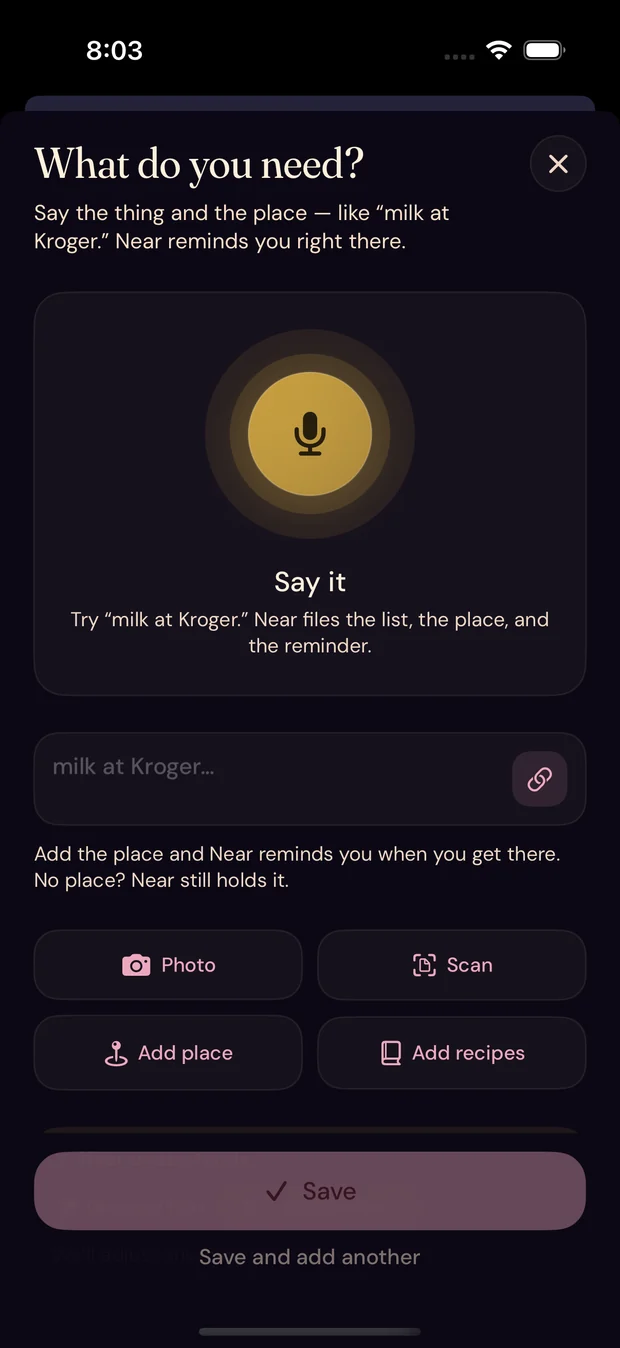
- “Grab dog food and drop the rug off.” Two things, two places, one sentence.
- Type it
- One field. No project, no list to pick, no tags to invent.
- Share it in
- A text from your sister, a recipe, a link. Send it to Near and it lands where it belongs.
- Near places it
- It reads the thing and picks the place, and you can change it.
Where it all hangs
Places are the
filing system.
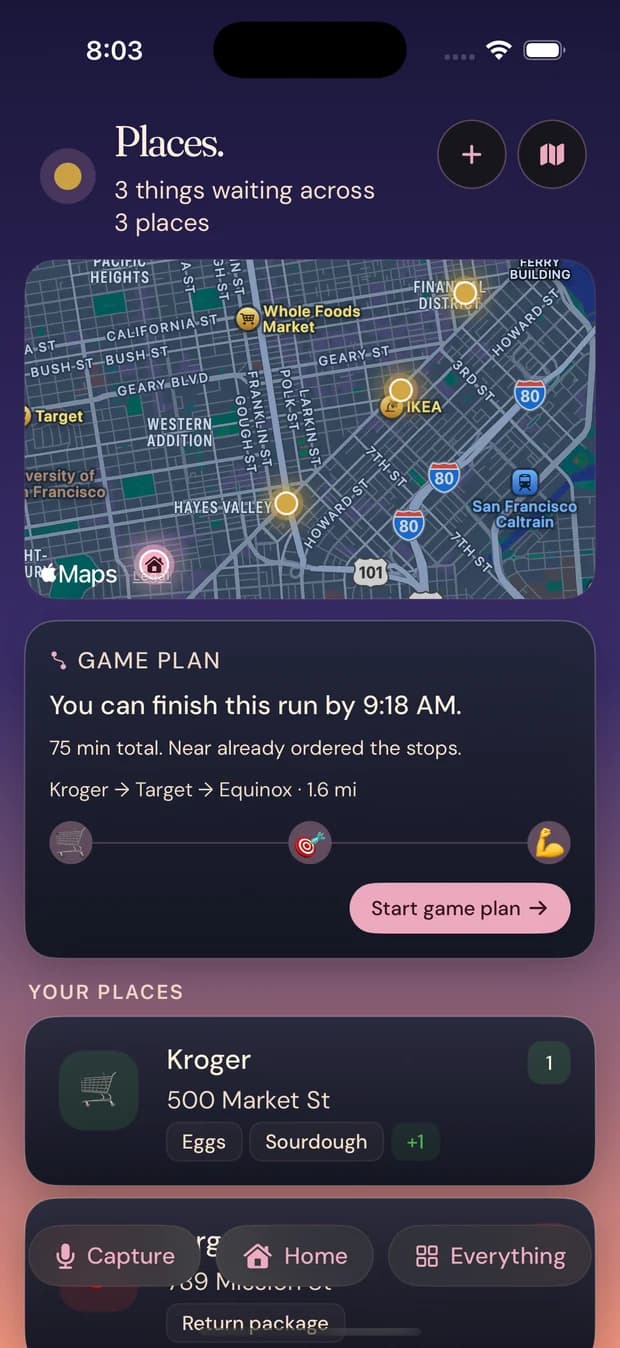
Every reminder hangs off a place, so there is nothing else to organize. Open Places to see what is waiting where, and how long the whole run would take.
- What is waiting at each place, before you get there.
- The stops in the order that makes the shortest trip.
- Home counts as a place, and so does the office.

- Dog food
When you get there
Your list
meets you there.
- On arrival
- Your list is on the Lock Screen before you are through the door.
- One card, not six pings
- Everything you needed at that place arrives together.
- On the way
- Passing the hardware store counts. Near catches you before you are home again.
- Before the door locks
- A heads-up while the place is still open, instead of an apology after.
Inside the store
Then the list
opens itself.
- The list is already open
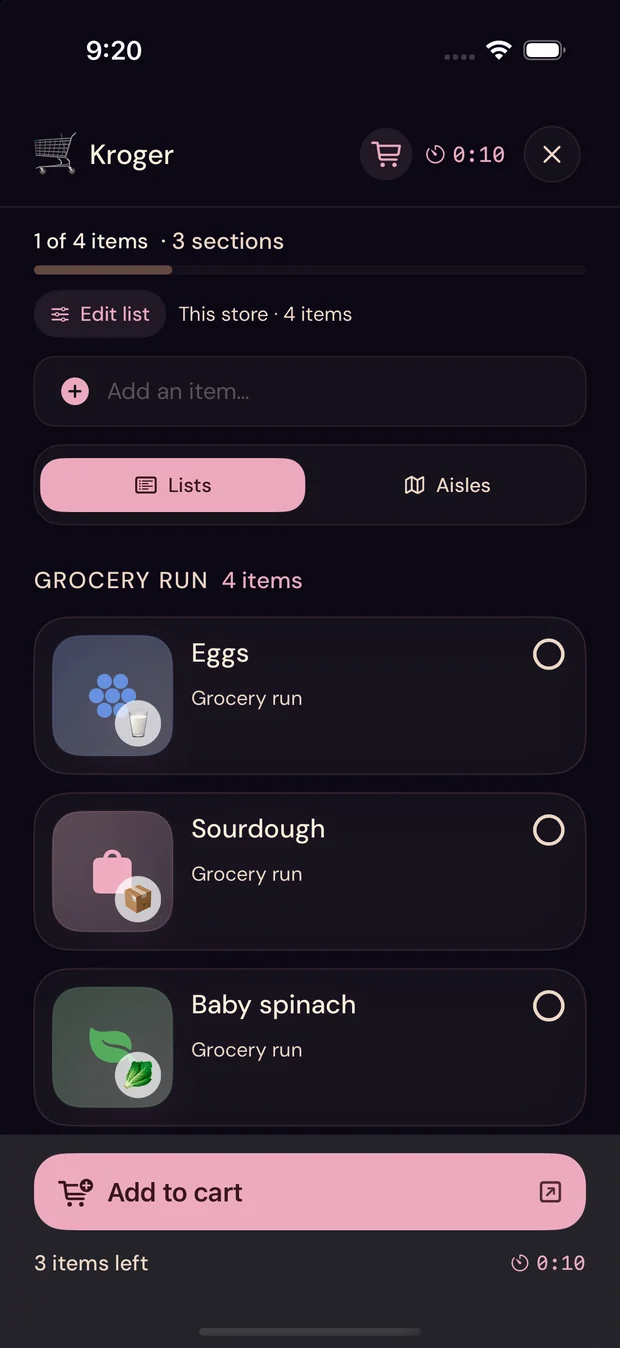
- Kroger, four items, three sections. No searching for the right list while the cart is in the way.
- In aisle order
- Aisles instead of Lists, and the run sorts itself to the store you are standing in.
- Straight to the cart
- Connect a Kroger account and the whole run goes in with one tap, at the prices that store is charging.
- Free
- The entire grocery engine — aisles, prices, cart, sorting — is on the free plan.
For households
Everyone has
the list.
Add items, see updates, and check things off together. Start solo and share it with the people you live with whenever you are ready. Sharing is free.
- One list, live on everybody’s phone.
- Someone adds it at home. Someone else gets it at the store.
- Checked off once and it is gone for everyone.
- Nothing has to be assigned. Whoever gets there first can just take it.
- Dog food
- Rug to the cleaners
- Milk
- Bread
- Olive oil
Meal PlanNear Pro
Dinner comes with
enough questions.
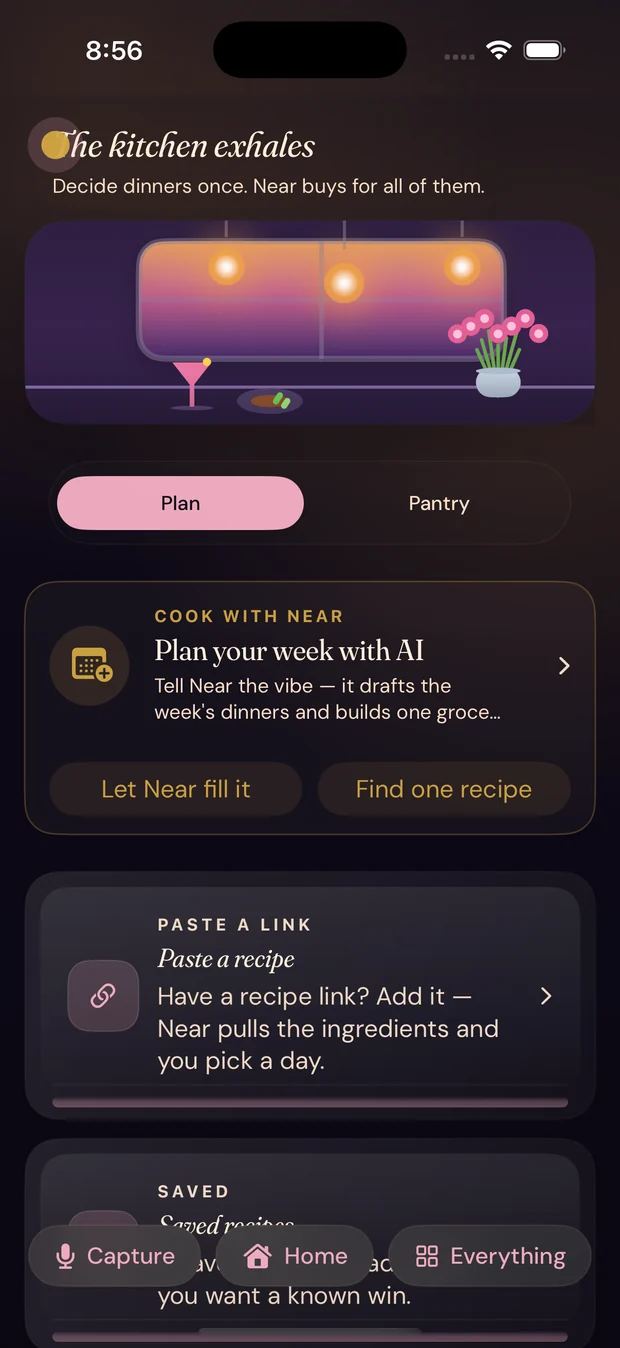
Plan the week from what your household actually cooks. The ingredients become a grocery list, and that list is waiting for whoever reaches the store first.
- Three AI plans a month are free. Pro removes the limit
- A week you can drag into shape
- Recipes fill the grocery list for you
- Last week’s hits carry over
- It speaks up when it is chicken four nights running
Where it reaches you
A little help, close at hand.
iPhone
The Lock Screen, the widget, the app.
Apple Watch
A glance at the wrist when your hands are full.
Siri
Add it out loud, driving, mid-sentence.
Quiet by design
Your location
has one job.
Your live route never leaves your iPhone. What syncs is what makes a reminder work: your places, your tasks, and the arrivals that fire them. Near sells none of it, and never uses it for ads.
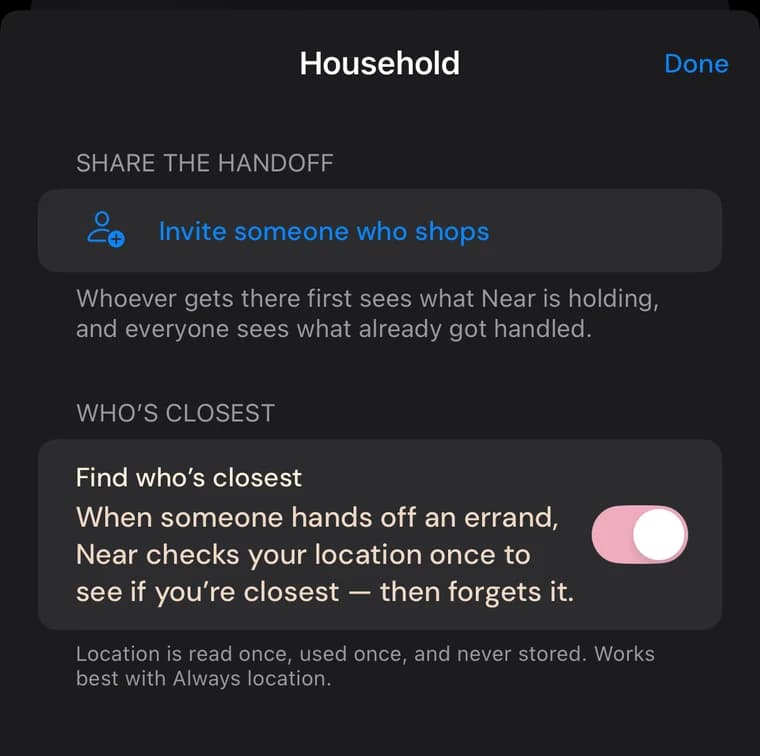
- Finding who’s closest is a switch you own. Near ships it off and never turns it on for you.
- When it runs, your location is read once, used once, and never stored.
- No ads, no data brokers, and you can delete all of it whenever you want.
The full detail is in the privacy policy, and what’s free versus paid is on pricing.
The mark
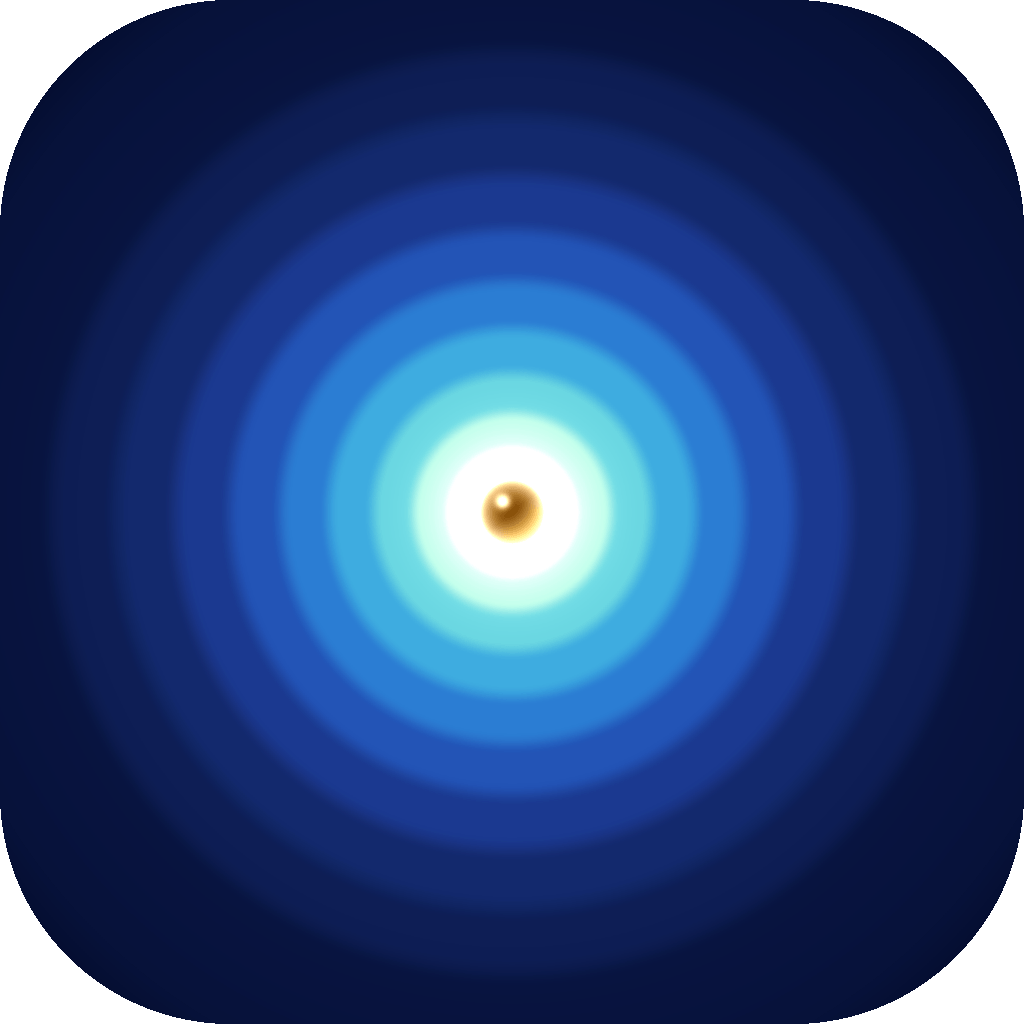
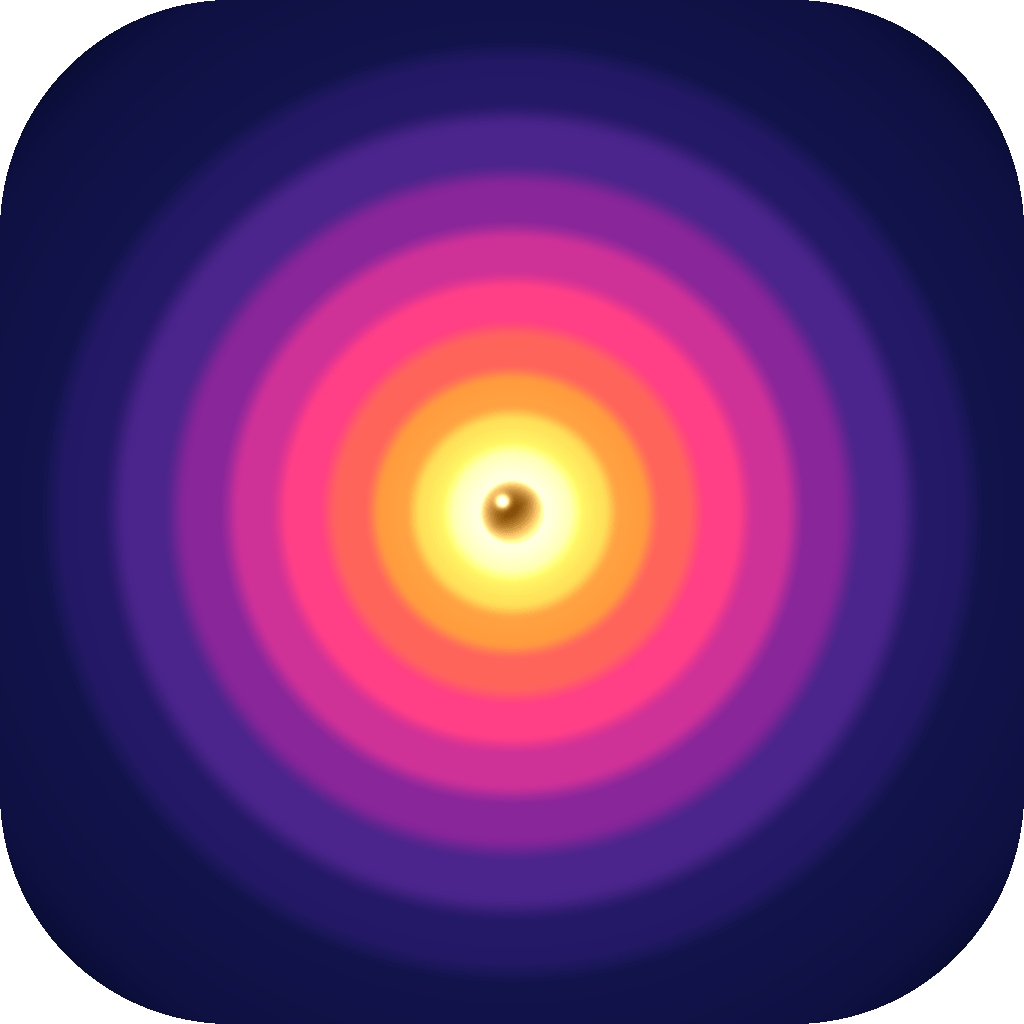
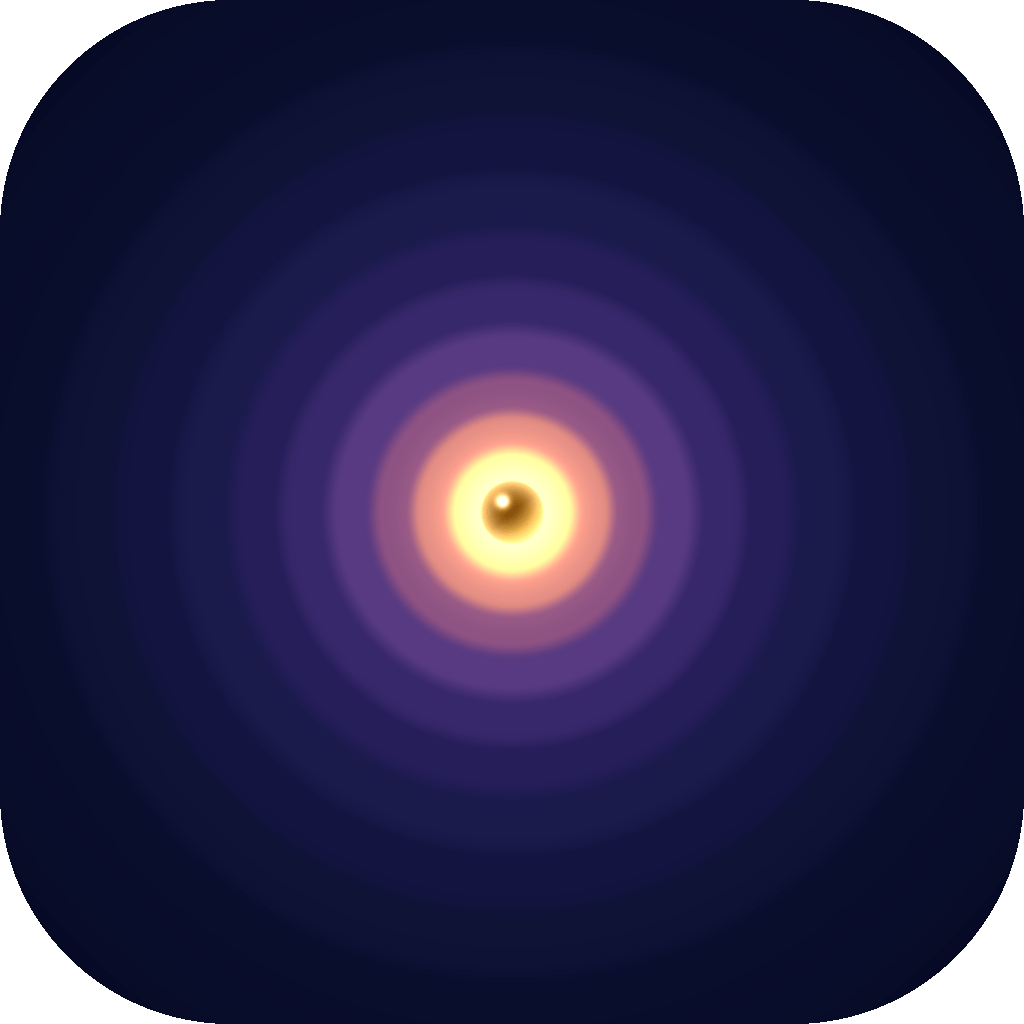
One icon.
Four times of day.
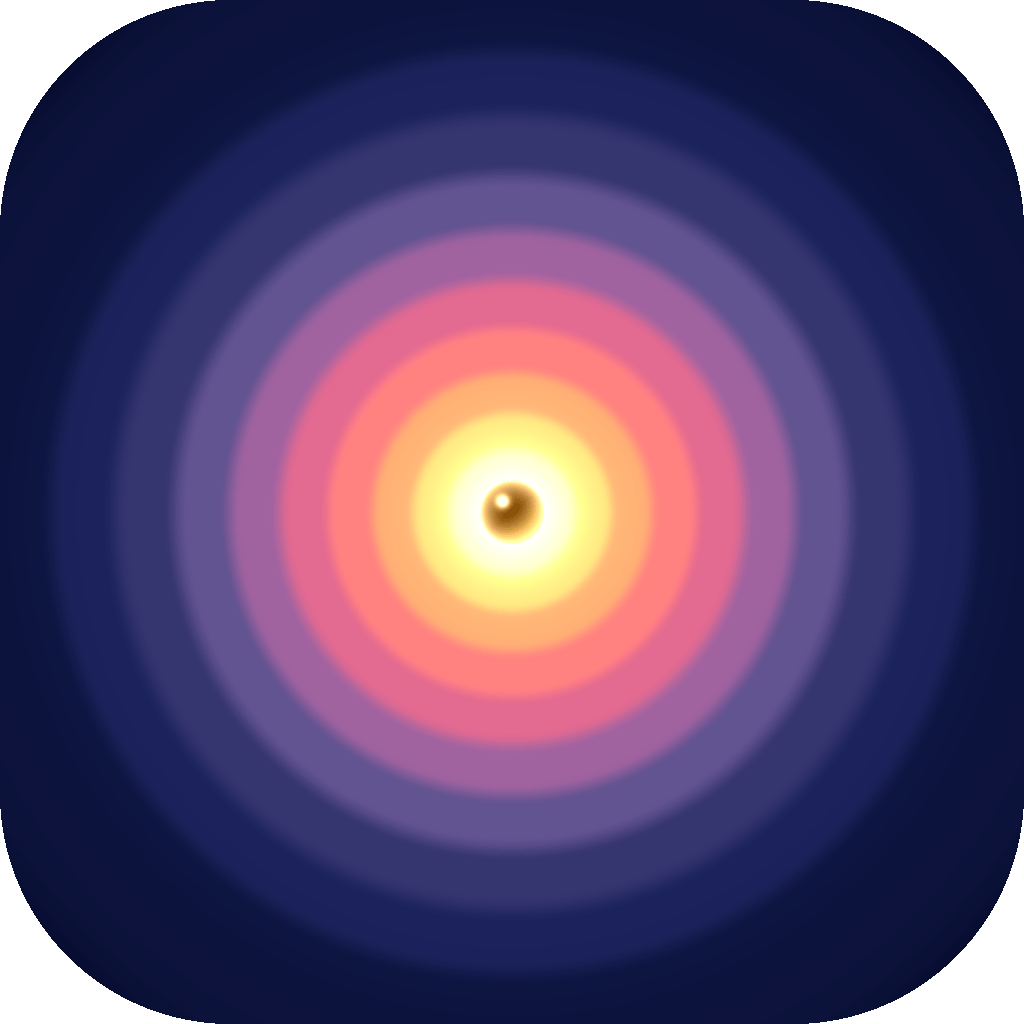
Near’s icon moves through dawn, day, dusk and night, because the day does. The target at the center never moves.

Your brain has
better things to do.
Fewer forgotten items. Fewer extra trips. One less thing on your mind.